
Adobe Firefly
Free plan
Some setupphoto edit
Best for photographers and marketing staff who already edit in Photoshop.
Added June 30, 2026

Best for agents who want to try staging on a few photos before they pay.
REimagineHome is a browser staging and redesign tool for agents and designers who want a furnished photo, a landscaping pass, or a room restyle from a picture they already have. New accounts get five free designs. Paid plans on the rendered pricing cards start at $19 a month for Essential.
From $19/mo
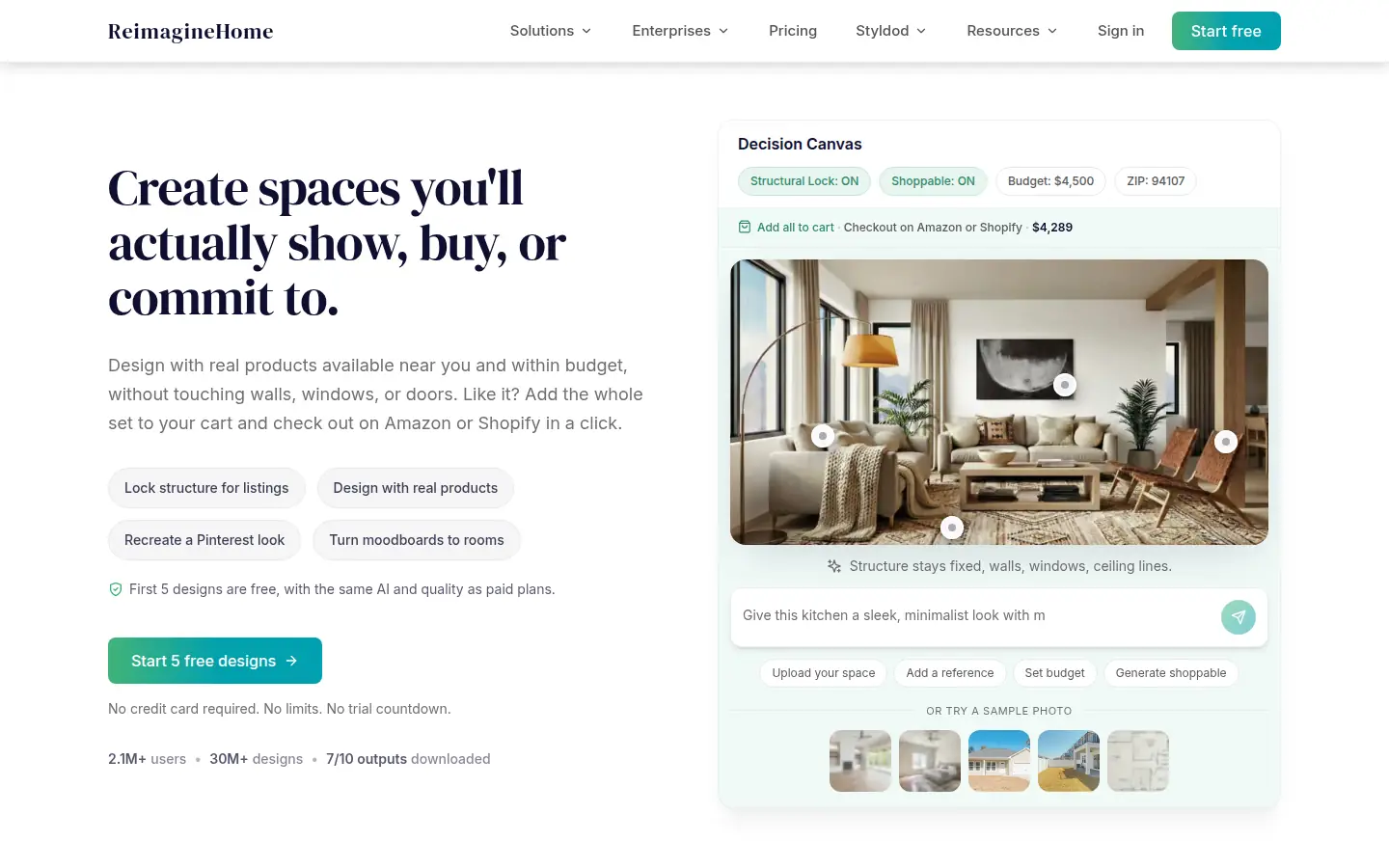
Essential is the basic plan: virtual staging for common rooms, vacant-to-furnished or a light redesign, basic landscaping and exterior edits, a before-and-after comparison, and watermark-free images. It uses the earlier tools, and the card says it does not include the conversational workflow, real products, or reference photos.
Pro, at $36 a month, adds a conversational design flow, specific instructions, reference photos, and incremental edits. That is the plan when a seller likes the sofa and wants the rug changed, or when you need the room to follow a photo they sent.
Pro also lists listing batch processing for real estate, plus faster rendering and parallel processing. Advanced, at $59 a month, is the same Pro system with 400 credits instead of 200, which is the step up when several listings land in the same week.
Pro includes real-product discovery and visualization. The pricing page says a design generation spends one credit, and adding real products spends a second credit. Chatting, brainstorming, and what-if questions do not spend credits. Agency, at $119 a month, is the same system with 900 credits for a team.
| Plan | Price | What is included |
|---|---|---|
| Free designs | $0 | Five designs for a new account, on the same system as the paid plans. |
| Essential | $19/mo | 30 credits. Basic staging, light redesigns, landscaping, watermark-free images, and a before-and-after view. |
| Pro | $36/mo | 200 credits. Conversational edits, reference photos, real products, and listing batch processing. |
| Advanced | $59/mo | 400 credits. The same Pro tools with a higher monthly allowance. |
| Agency | $119/mo | 900 credits. The same Pro tools for teams with a larger allowance. |
These dollar amounts and credit counts are the ones in the plan cards the pricing page renders. The page title and an older structured-data block still describe a $14 to $99 range and different plan names, so those older figures are not the ones in this table.
New accounts get five free designs. The rendered plan cards list Essential at $19 a month, Pro at $36, Advanced at $59, and Agency at $119.
One design generation spends one credit. Adding real-product discovery spends a second credit. The page says conversation and idea exploration do not spend credits.
Essential is basic staging and light edits, with 30 credits. Pro adds the conversational flow, reference photos, real products, and listing batch processing, with 200 credits.
The pricing page says refunds are not provided when you cancel a paid plan. You can keep the paid features until the end of the current billing period.
Free plan
Best for photographers and marketing staff who already edit in Photoshop.
See pricing
Best when the photos need a clean edit, not virtual furniture.

From $19/mo
Best for agents who stage often and want another self-serve option next to REimagineHome.