
Adobe Firefly
Free plan
Some setupphoto edit
Best for photographers and marketing staff who already edit in Photoshop.
Added October 12, 2026

Best for agents who stage often and want another self-serve option next to REimagineHome.
Collov AI is a virtual staging and photo-editing product for real estate professionals. You upload a room, pick a style and a room type, and download a staged image. On the yearly tab, Standard is $19 a month, billed as $228 a year, with 60 photo credits. The page says plans start at $19 a month and marks the yearly tab 25 percent off.
From $19/mo, billed yearly
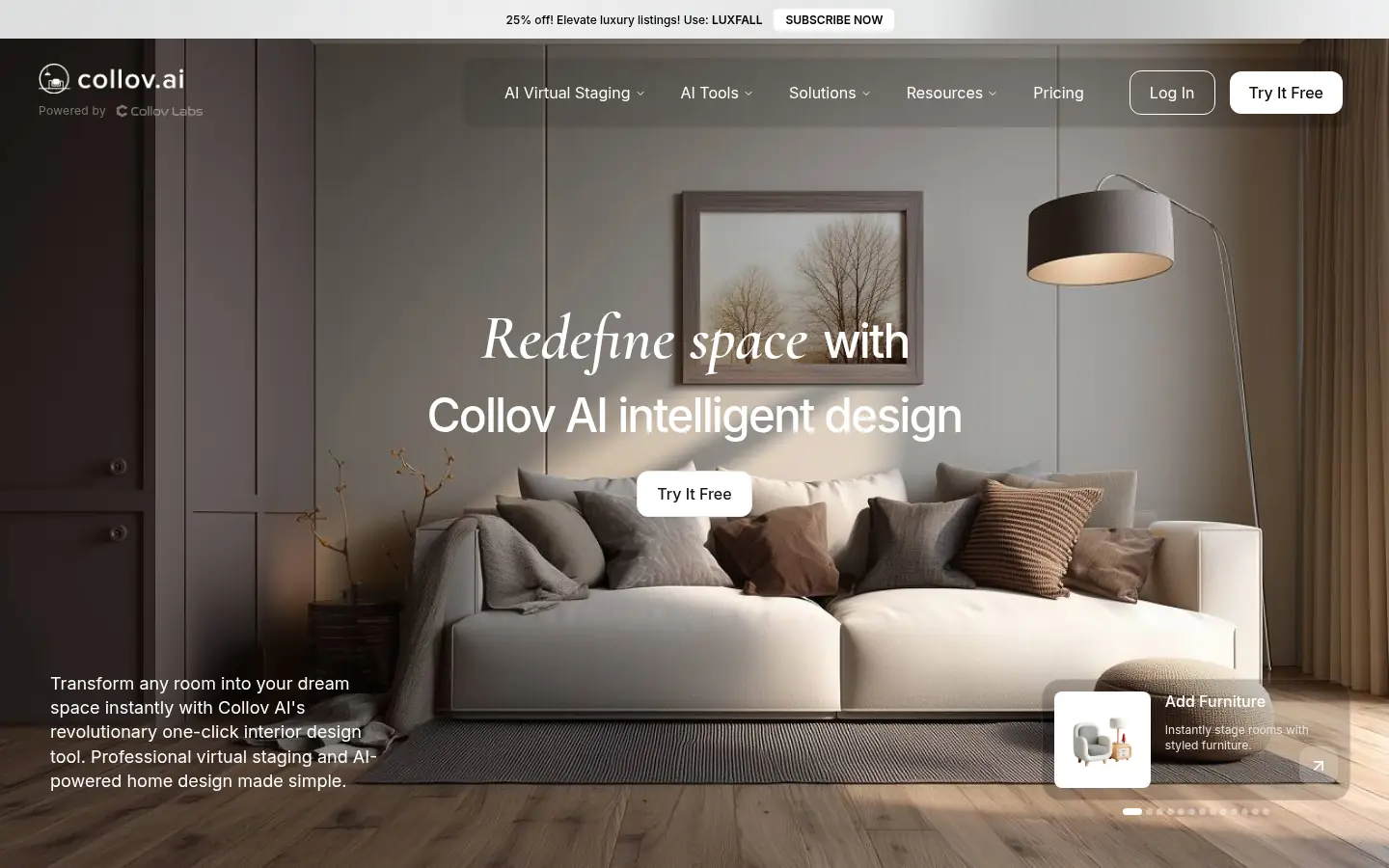
Standard includes AI virtual staging, unlimited regeneration, no watermark, all room types and styles, a commercial photo license, furniture removal, a stated 10-second turnaround, and high-resolution downloads. Photo usage resets each month.
Editing tools include adding or removing furniture, material overlays, twilight, rain and cloud removal, seasons, pool water, lawn, and wall and floor changes, plus quality enhancement. Advanced is the plan that adds photo editing, multi-angle staging, and chat edit, with 150 photo credits.
Premium adds a listing agent, an image-to-video virtual tour of up to 20 images, a 360 panorama, a 3D tour, and human-assisted multi-angle staging. It includes 263 photo credits at $79 a month on the yearly tab, billed as $948 a year.
Enterprise is $127 a month on the yearly tab, billed as $1,524 a year, with 526 photo credits, API access, and dedicated support. An optional add-on is printed at 24 cents per photo.
| Plan | Price | What is included |
|---|---|---|
| Standard | $19/mo | Billed as $228 a year. 60 photo credits. Staging, furniture removal, no watermark. |
| Advanced | $49/mo | Billed as $588 a year. 150 photo credits. Adds multi-angle, chat edit, and photo editing. |
| Premium | $79/mo | Billed as $948 a year. 263 photo credits. Adds video tour, 360, 3D, and human-assisted multi-angle. |
| Enterprise | $127/mo | Billed as $1,524 a year. 526 photo credits, API access, and dedicated support. Extra photos at $0.24. |
These are the yearly-tab prices. A separate monthly dollar amount was not in the fetched HTML. The 25 percent badge is the yearly tab label. Watermarked trials are listed on the lower plans.
On the yearly tab, Standard is $19 a month billed as $228 a year. Advanced is $49 a month, Premium is $79 a month, and Enterprise is $127 a month, each with a yearly total printed beside it.
The page says photo usage resets each month. Enterprise lists an optional 24 cents per extra photo.
The page says try it free, and the comparison table lists watermarked free trials on the lower plans.
Premium adds the image-to-video virtual tour, a 360 panorama, a 3D tour, and human-assisted multi-angle staging.
Free plan
Best for photographers and marketing staff who already edit in Photoshop.
See pricing
Best when the photos need a clean edit, not virtual furniture.

From $7.50/mo
Best for cleaning listing graphics and cutouts, not for furnishing a room.