
CapCut
Free plan
Our pick
Beginner-friendlyReels
Best for agents editing listing Reels on a phone.
Added June 2, 2026
Best for agents who need branded flyers and social graphics without a designer.
Canva is the design workspace many agents already use for flyers, listing graphics, stories, and simple presentation decks. Magic Studio and Canva AI sit on top of the templates. The free plan is $0, and Pro for one person is $144 a year on the US pricing view read for this entry.
Free plan, paid plans from $12/mo, billed yearly
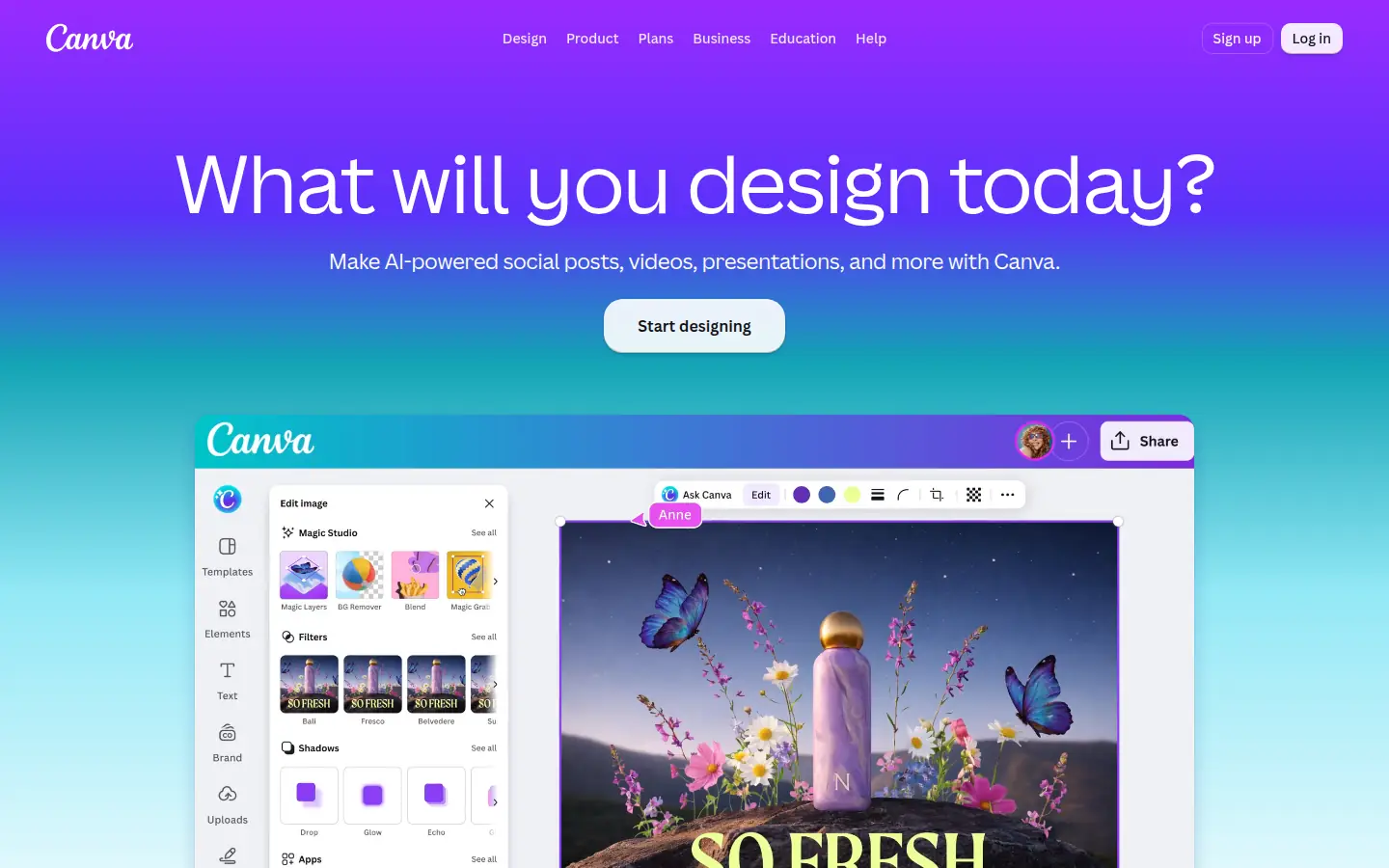
Start from a template, drop in the photo and the price, and export. Pro unlocks the premium template library, which the pricing page counts at 3.6 million-plus templates, plus a stock library it counts at 141 million-plus photos, videos, graphics, and audio.
The pricing comparison lists one brand kit, limited to three colors, on Free. Pro lists five brand kits. That is the practical difference when a team wants the logo, the colors, and the font locked for every agent who posts.
Pro includes resize, translate, and background removal. The AI tool list on the pricing page also includes Magic Write, Magic Edit, Magic Eraser, Magic Expand, and Magic Grab. Some of those draw from a monthly AI allowance, and some design tools are included without counting against it. The page says the allowance resets each month.
The pricing page lists creating a video with Canva AI and image-to-video among the premium AI tools, with limited access on the lower plans and higher access on the paid plans. Pro is sold for one person. A team that needs several seats looks at the higher plans, which were not given a name-and-price pair clear enough to quote here.
| Plan | Price | What is included |
|---|---|---|
| Free | $0 | One person. One brand kit limited to three colors, and limited AI access. |
| Pro | $144/year | One person. Premium templates, the stock library, five brand kits, resize, translate, and background removal. |
Prices are US dollar figures from Canva's pricing page. A separate view of that page showed an intro price of $120 a year for Pro. A higher per-person annual figure of $250 also appeared, without a plan name that could be tied to it confidently, so it is not in the table.
On the US pricing view read for this entry, Pro is $144 a year for one person. Another view of the pricing page showed an intro price of $120 a year. Free is $0.
No. The pricing FAQ says only one person can use a Canva Pro account, and it describes Pro as the plan for solo creators.
The comparison lists one brand kit on Free, limited to three colors. Pro lists five brand kits.
The pricing page says some design tools are included with the plan, and premium AI tools for images, video, and generated designs draw from a monthly allowance that resets. Free is limited access. Pro is high access.
Free plan
Best for agents editing listing Reels on a phone.

Free plan
Best for agents who record longer videos and want to edit by deleting sentences.

Free plan
Best for a talking-head video when you will clearly label it as AI.